
A fleet browses by category, not by unit.
Rental customers are not shopping for one specific machine. They need to know you carry it, what it costs and who to call, and they need that from a phone at a job site.
Live fleet operations
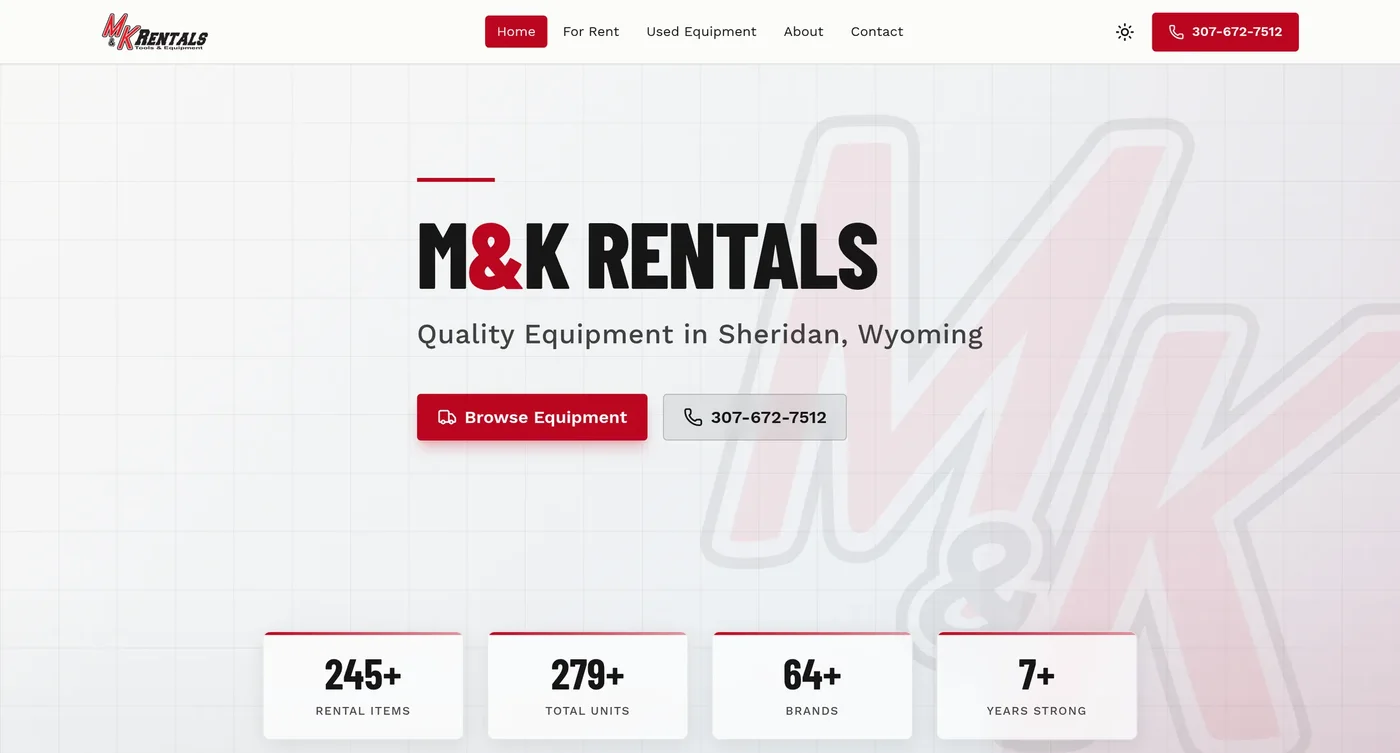
M&K Rentals in Sheridan runs an equipment rental fleet and a used sales side out of one admin. Earth movers, lifts, trailers, power tools and attachments, organised by what a contractor came looking for, with the yard one tap away from every page.
See the M&K Rentals buildLive availability and online booking are not part of a standard build. If you want them, they get scoped against whatever your yard already schedules in, and quoted before anything starts.
How a rental catalog has to work
Rental rate structures, transport dimensions, and equipment capabilities built for rental yards.
Organized by equipment category
Rentals are structured by machine capability and job requirements, presenting equipment categories cleanly rather than cluttering the catalog with duplicate fleet units.
Rentals and used sales in one admin
When a machine is retired from the rental fleet and listed for sale, staff transition the unit in a single click without re-entering data or managing two separate systems.
Tiered rental rate displays
Display transparent daily, weekly, and monthly rates so contractors estimating jobs can budget accurately.
Direct phone and reservation inquiries
Contractors need to confirm equipment availability and dispatch timing. Every category page provides instant tap-to-call and quote inquiry buttons.
Photos of your actual fleet
Show actual yard inventory rather than stock manufacturer renders so contractors verify unit condition and attachments before reserving.
Attachments and accessories alongside
Breakers, augers, specialty buckets, and trailers display alongside primary machinery so customers can rent full equipment packages.
- Category
- Lifts
- Rate
- Day / week
- Reach
- 26 ft
- Status
- On the yard
A fleet's fields, in the admin every dealer on this platform runs.
What your buyers actually type
Common searches from contractors and crews renting equipment for immediate job site needs.
Featured client build
Each write-up covers the screens, the admin behind it, and what the staff actually does with it.

6 QUESTIONS
Frequently asked questions
Common questions about rental rates, fleet filtering, and online reservation workflows.
ASK SOMETHING ELSE01Can we display tiered rental rates for day, week, month, and 4-hour periods?
Yes. The platform supports five standard rental periods: half-day (4-hour), daily, weekend, weekly, and monthly. You set the base day rate and formulas calculate the rest automatically, or you can manually customize specific rates for any machine or tool category.
02Can contractors search rental equipment by working height, reach, or capacity?
Yes. Rental customers shop by capability rather than manufacturer model numbers. Working height, platform reach, digging depth, and lifting capacity are prioritized as primary search filters, allowing contractors to quickly locate equipment that meets their job site requirements.
03Can listings highlight operator requirements, delivery options, and pickup policies?
Yes. Badges for operator required, job site delivery available, or customer yard pickup display clearly on each rental unit. Clear policies ensure renters understand transportation and certification requirements before calling to reserve equipment.
04Can listings show transport dimensions and trailer towing requirements?
Yes. Transport width, collapsed height, length, and operating weight are grouped in a dedicated transport spec block. Contractors can immediately verify whether equipment fits through standard gates or doorways, and whether their vehicle or trailer has sufficient towing capacity.
05Can customers view a full rental rate sheet across our entire fleet?
Yes. In addition to individual equipment listings, the platform provides a clean rental rate table organized by category. Contractors estimating multi-day projects can review daily, weekly, and monthly rates side by side without having to click through separate pages.
06How do customers reserve or request rental equipment on the website?
Customers can review detailed specs, check tiered rates, and submit online reservation requests or call directly. Inquiries route immediately to your rental desk with the requested equipment, dates, and customer contact details.
Get your fleet quoted.
How many categories, whether you sell used alongside it, and what your current site cannot do.